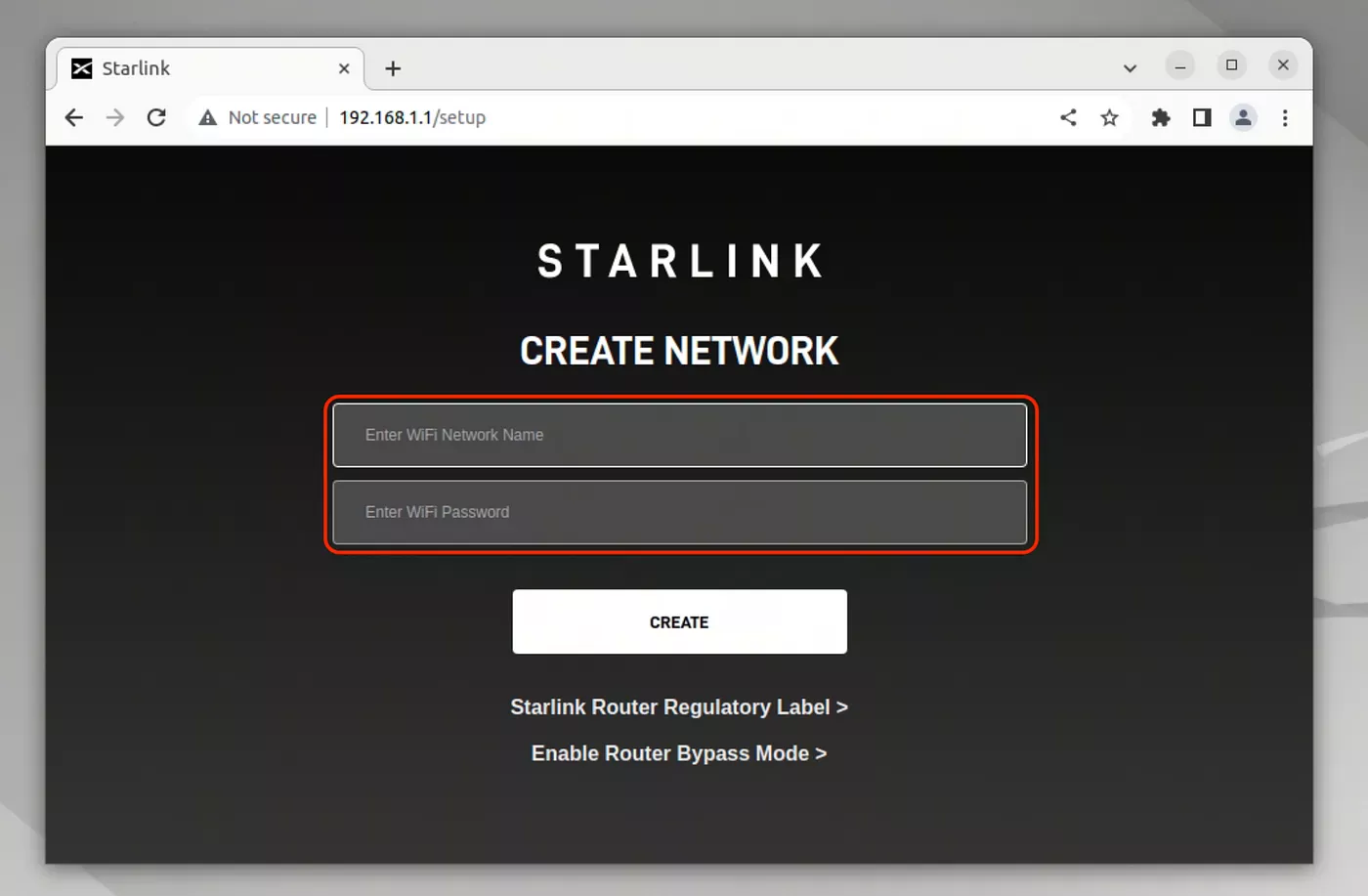
To enable bypass mode, the Starlink router must first be in its factory default state. This means that no custom Wi-Fi name or password has been set.
Once the Starlink kit has been installed, connect to the Starlink network and open a web browser. Go to: 192.168.1.1
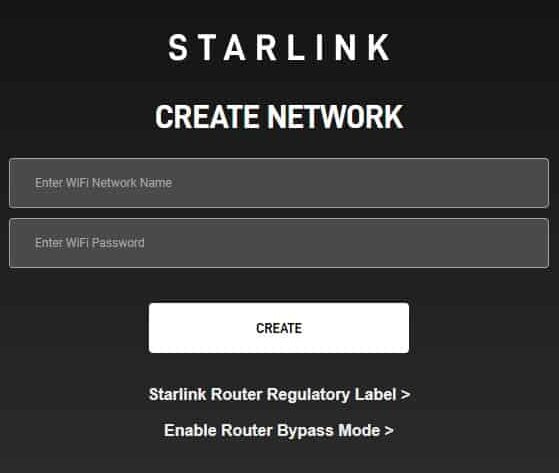
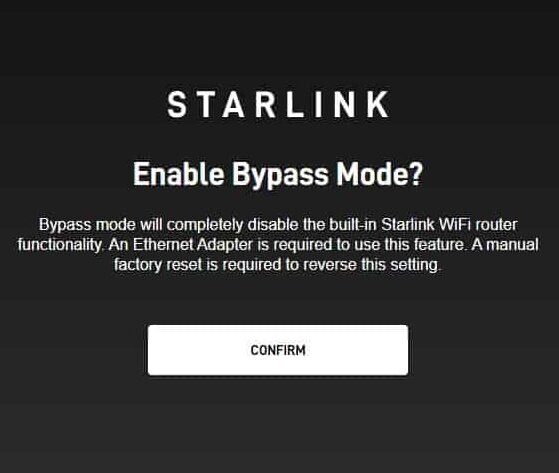
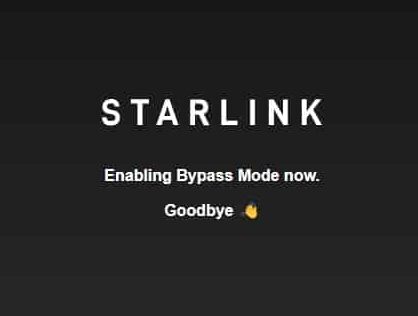
A web interface should open. From there, select: Enable Router Bypass Mode
Bypass mode should only be used in specific situations, such as when you need to use your own router equipment for features like port forwarding, public IPv4, or IPv6 configuration, double Natting etc..