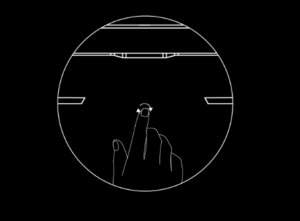
Motorized Dish Gen2
Power cycle the router 6 Times in quick succession
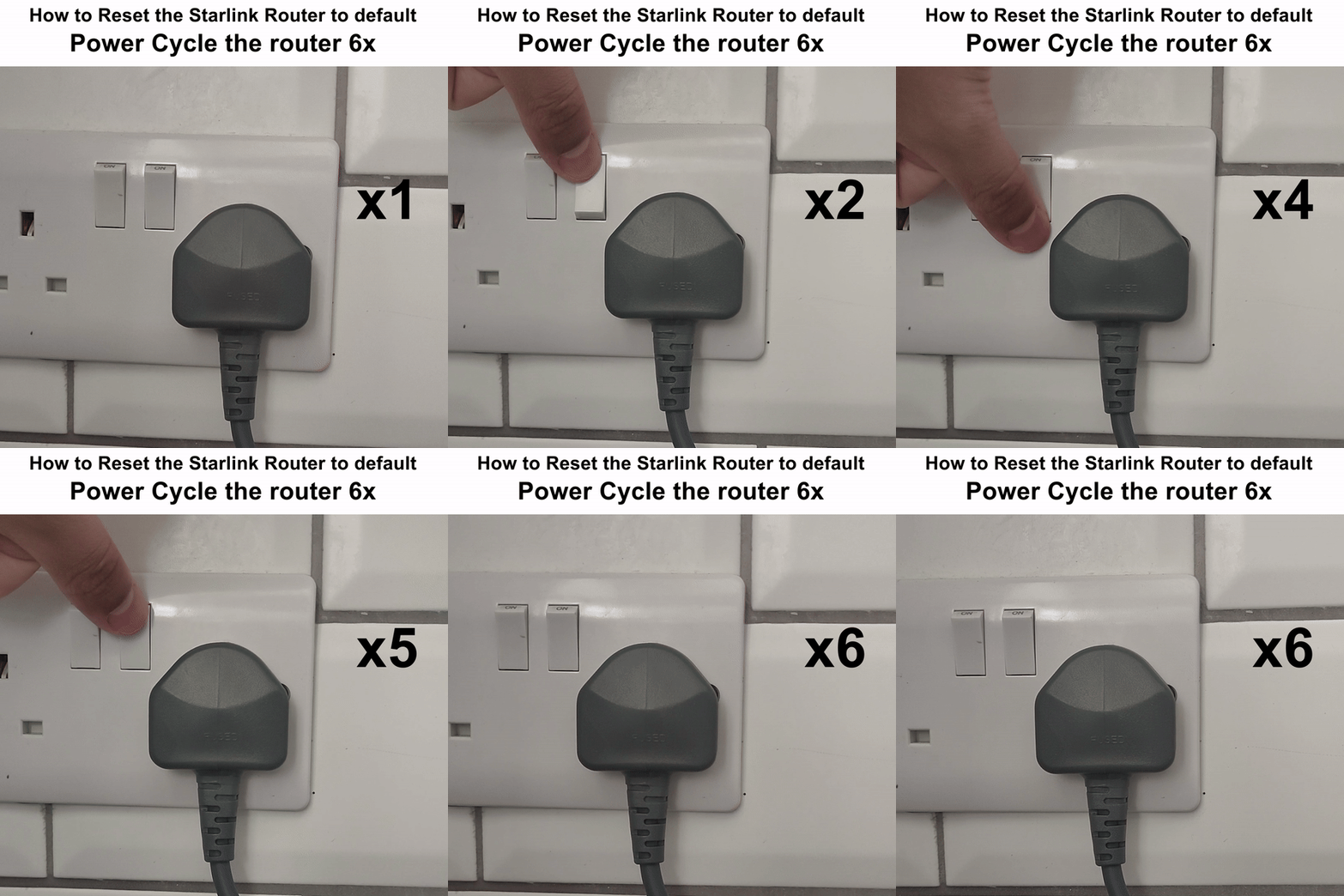
Standard Dish Gen 3
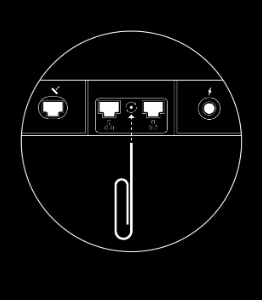
Using a sim ejector tool or a paper clip press one quick click on the back of the router between the 2 middle ethernet ports, just a click and not press and hold
Mini Dish
Press until feel a click and hold for 3 seconds firmly the reset button at the back of the Dish which is also the router