
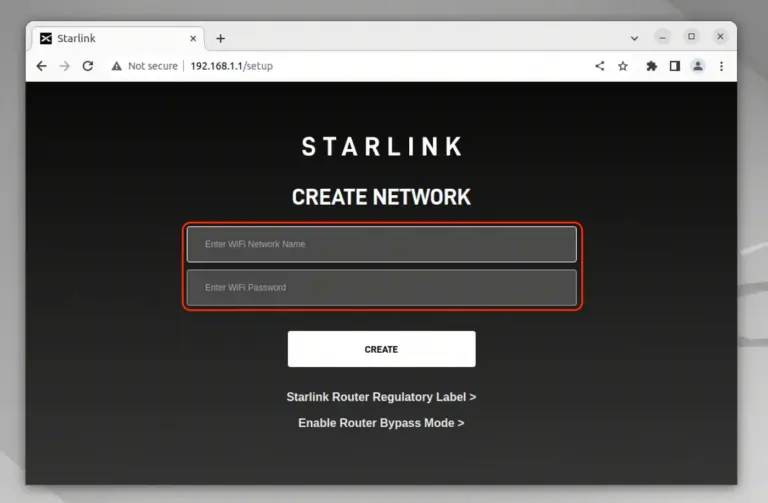
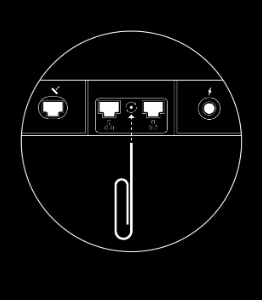
Non-Motorized Standard Dish: Using a SIM ejector tool or paper clip, briefly press the reset button located between the two middle Ethernet ports on the back of the router. Press it once only, do not hold it.
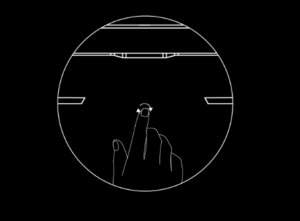
Mini Dish: Firmly press the reset button on the back of the dish until you feel a click, then hold it for 3 seconds. The router is built into the dish.
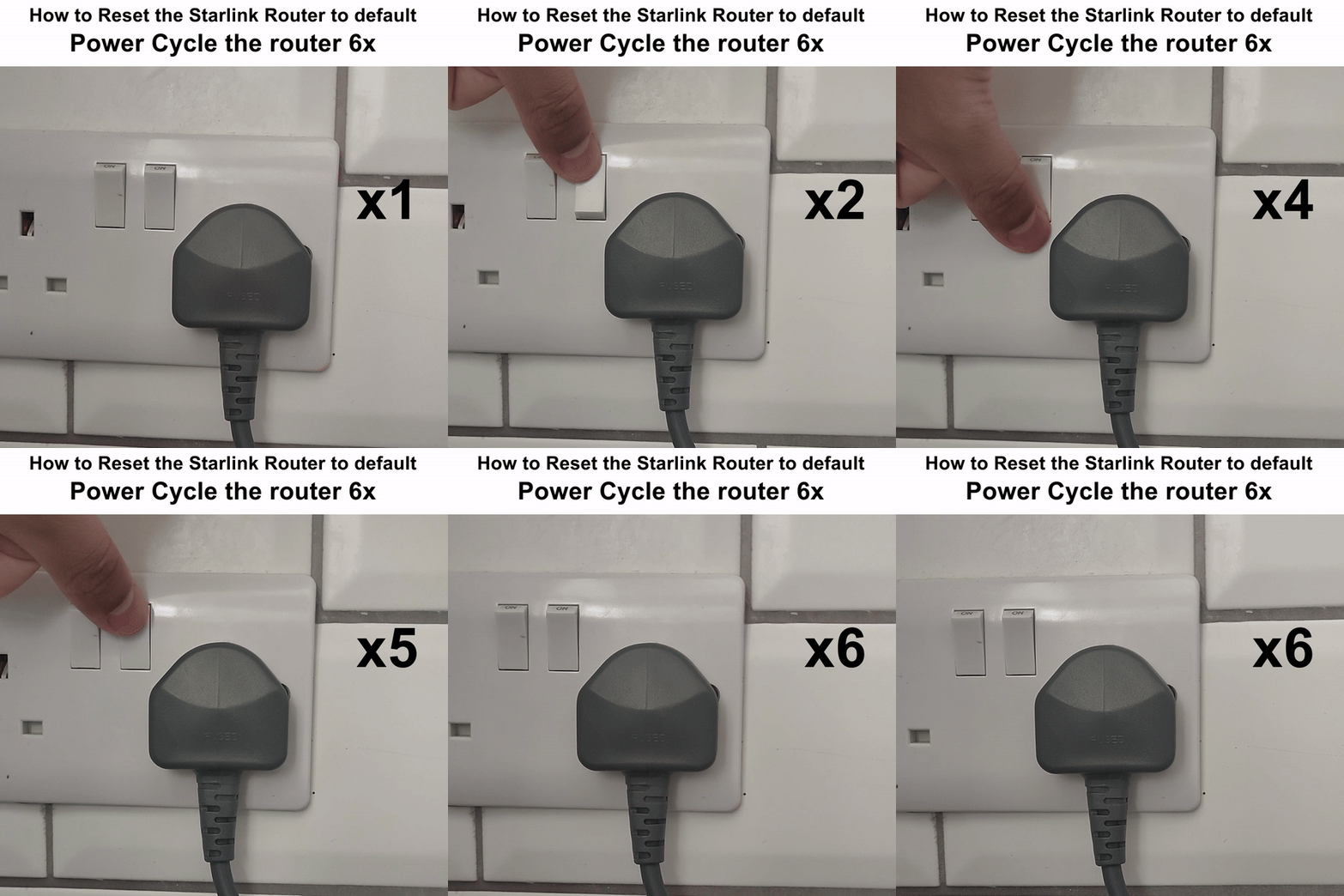
Motorized Dish: Power cycle the router 6 Times in quick succession